
Read the Feishu document structure and keep headings, quotes, lists, code blocks, and images intact.
Feishu Docs to WeChat publishing
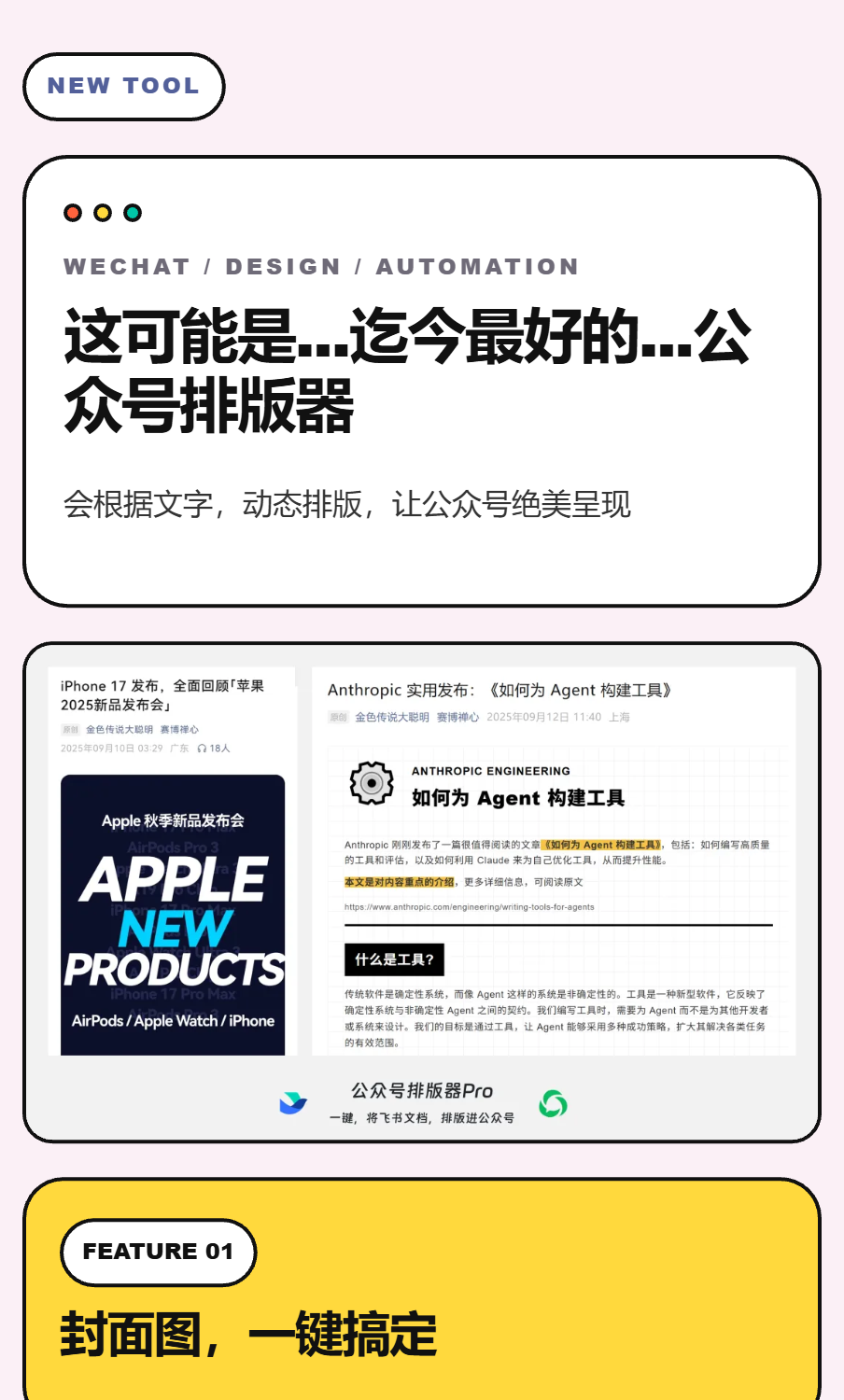
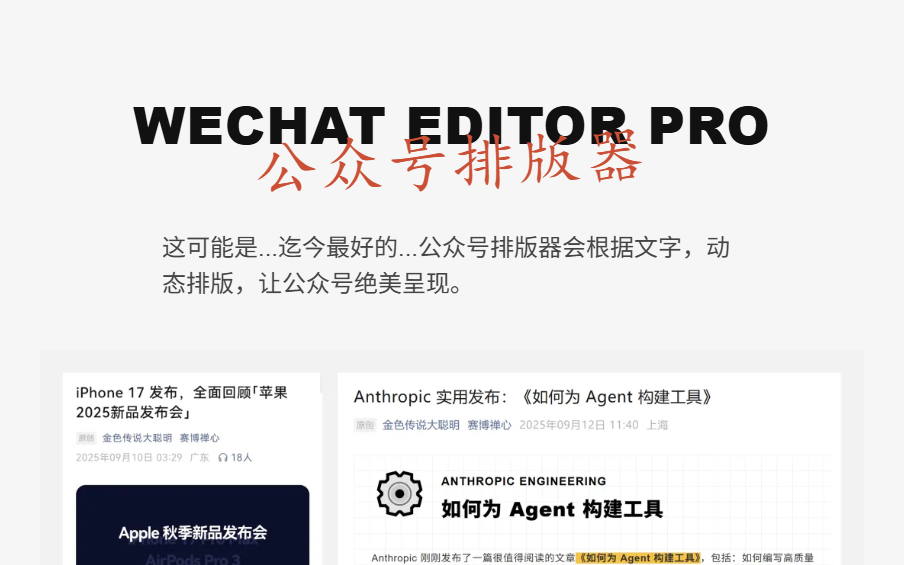
Give every Feishu draft a WeChat-ready glow up.
Choose a style, let AI shape the layout, generate the cover, and copy a polished article into WeChat without rebuilding the page by hand.
Turn a clean doc into a polished WeChat article
Generate the cover before you publish
Keep every layout reusable
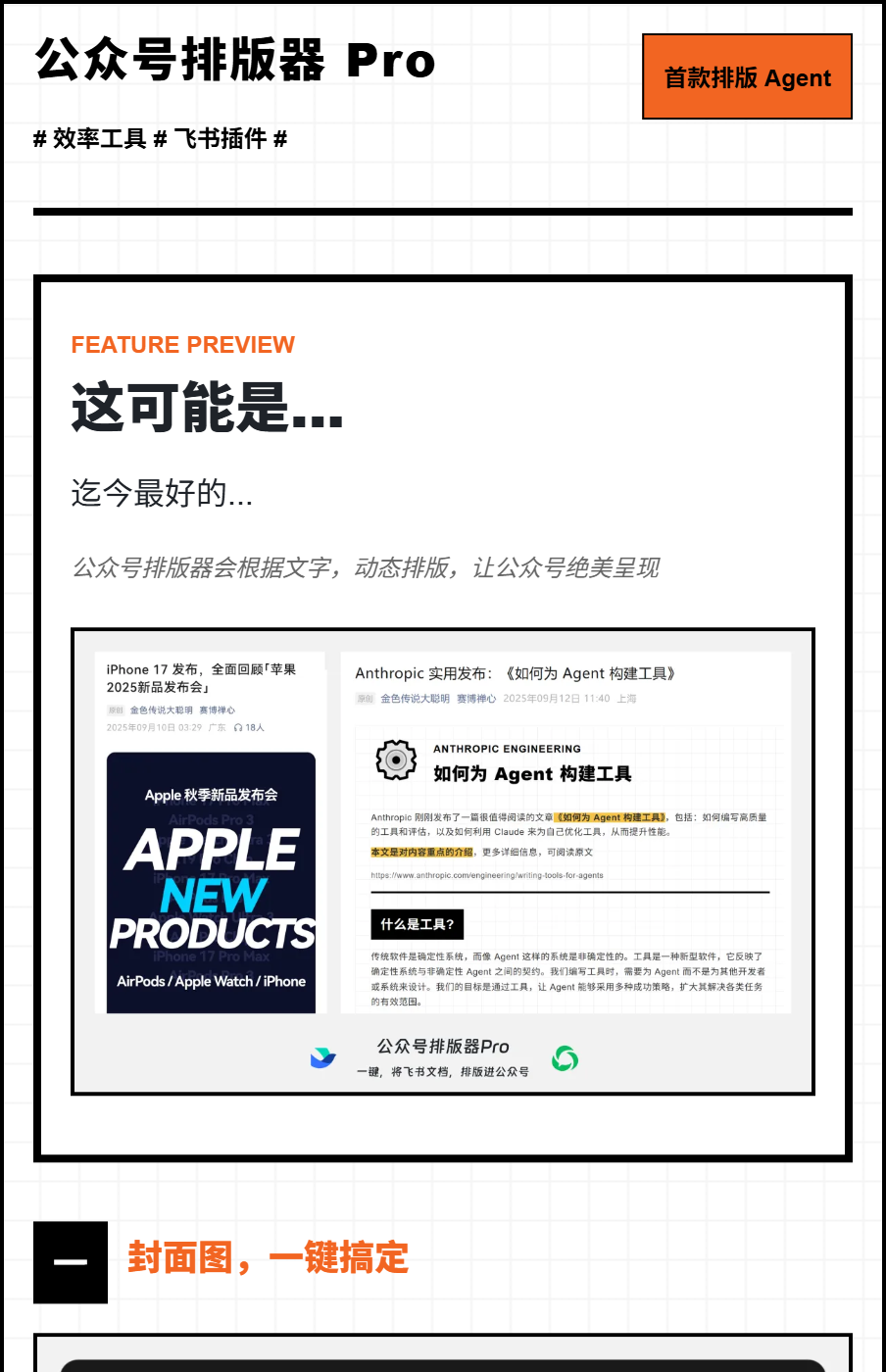
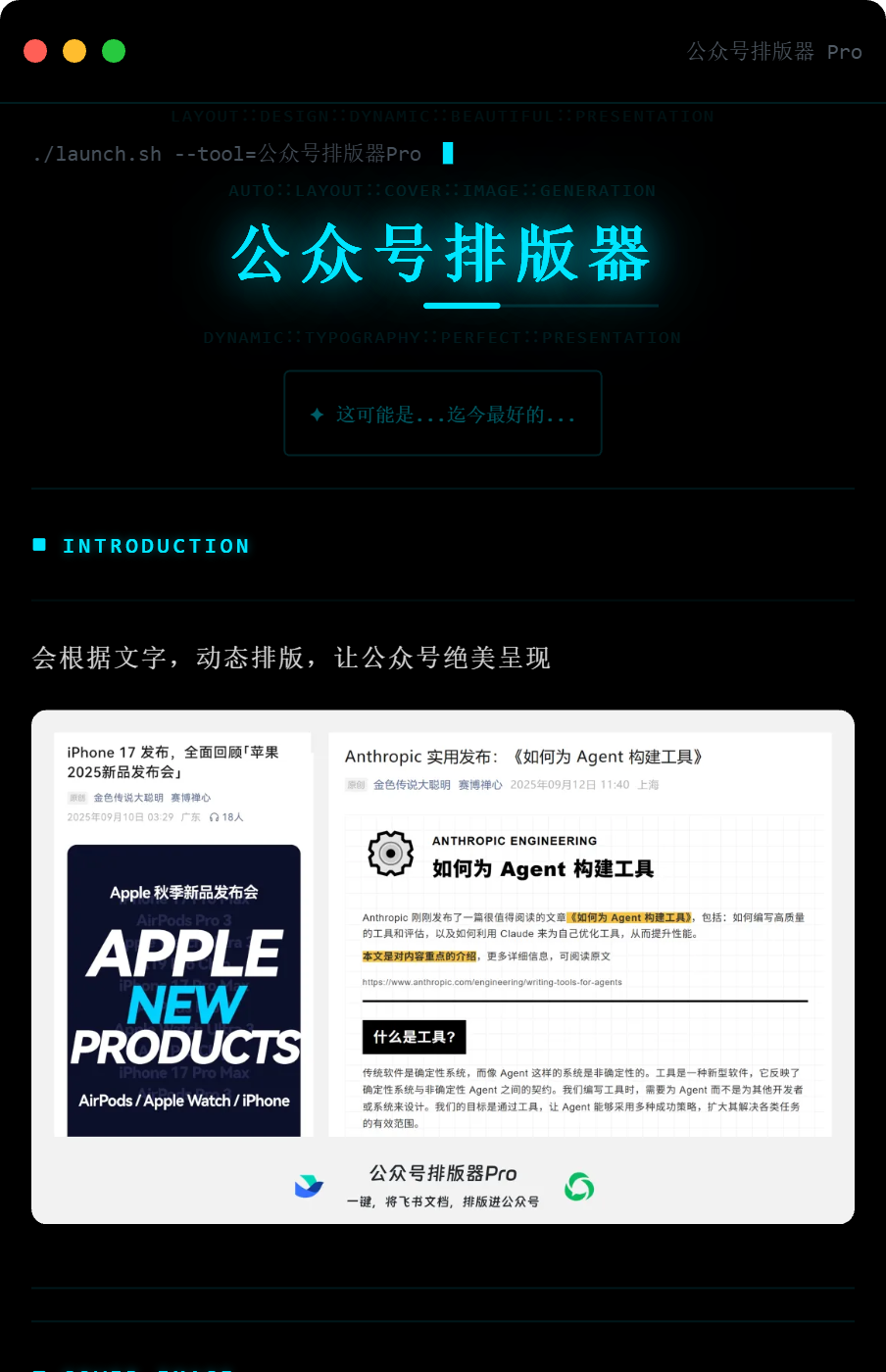
Publishing canvas
Transform draft chaos into editorial clarity.
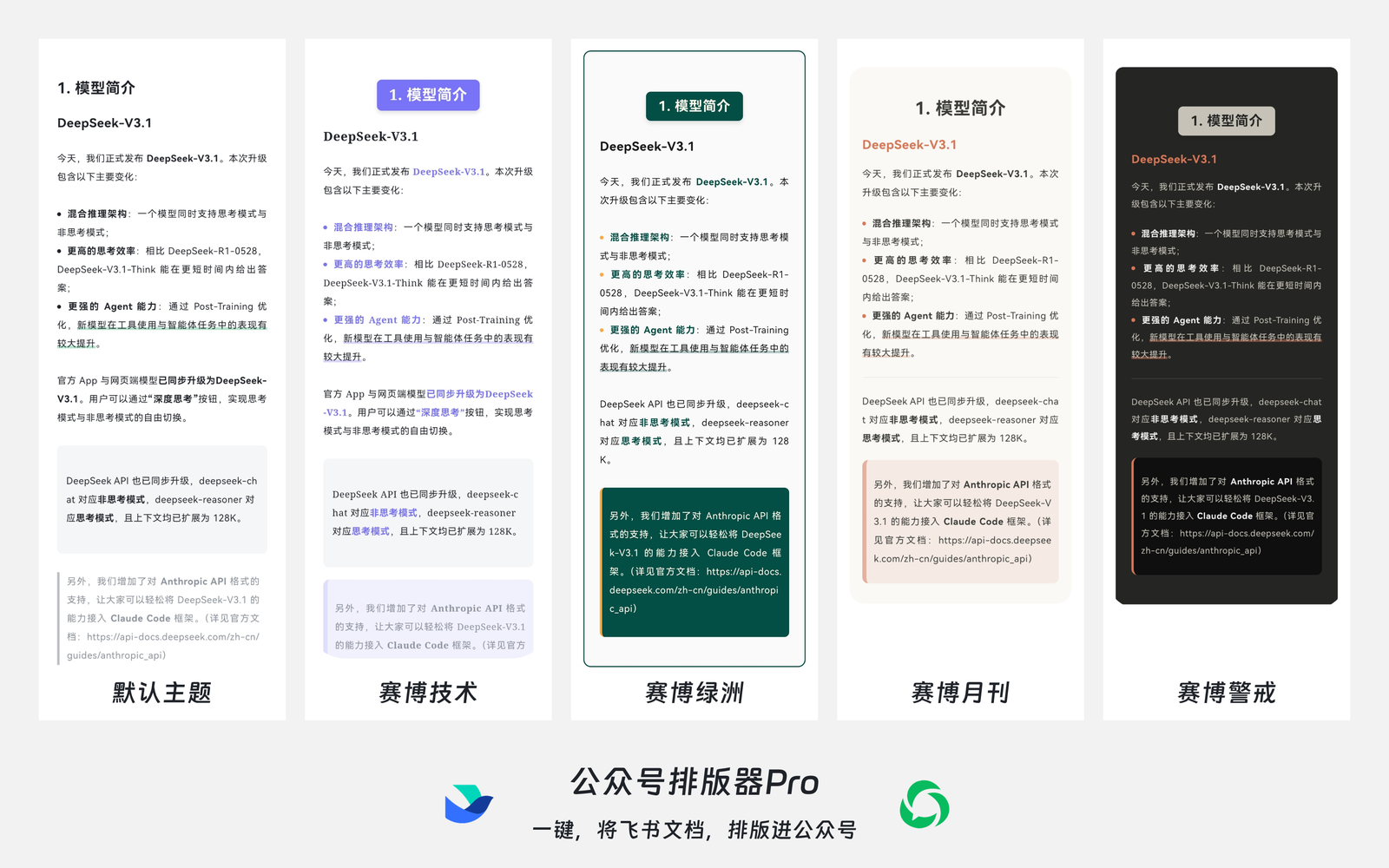
Apply a curated article theme or let AI pick a visual direction from the content.
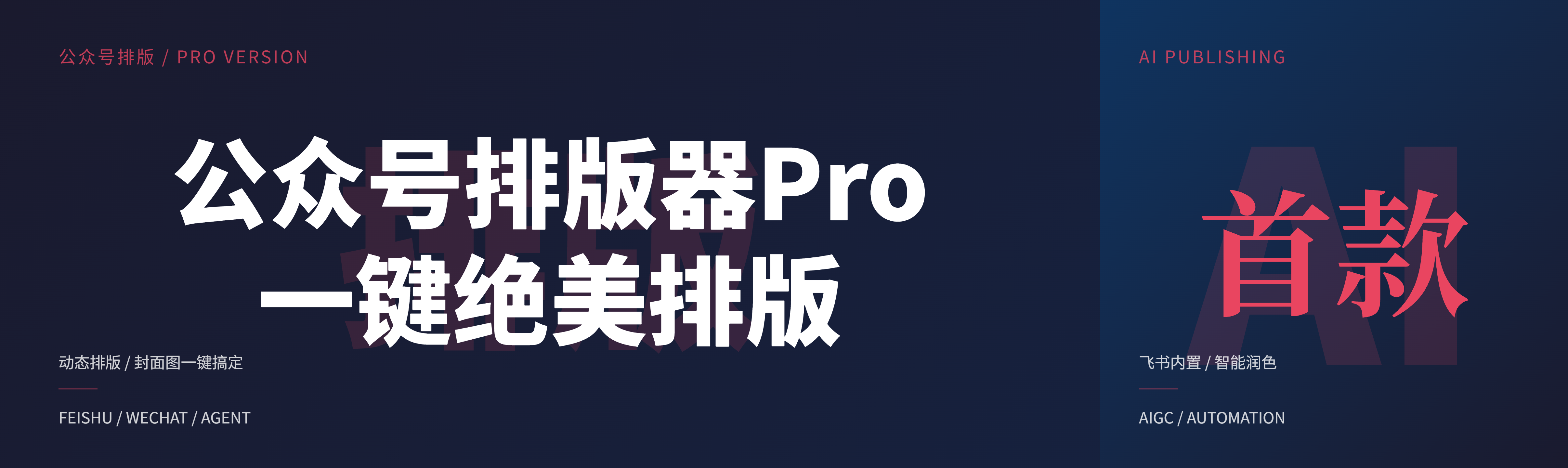
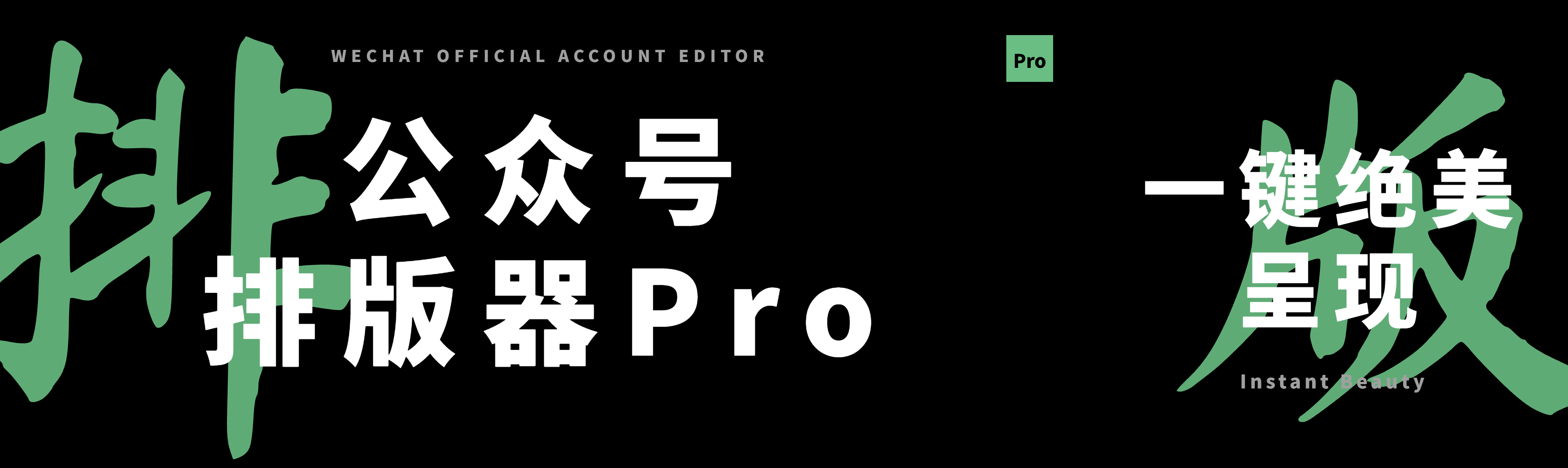
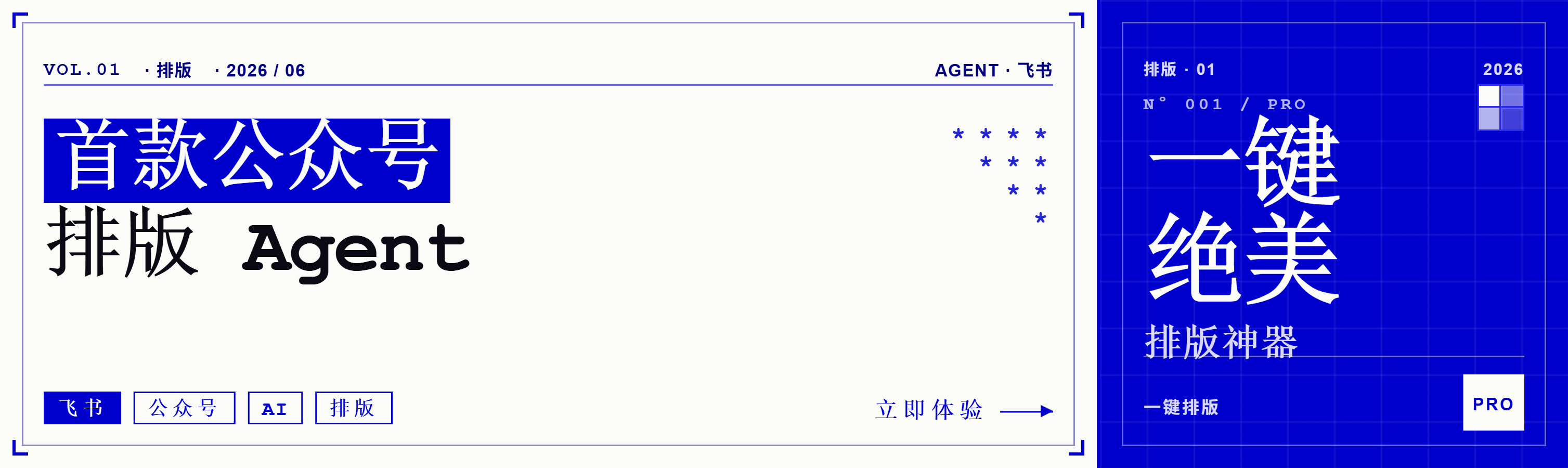
Create a horizontal WeChat cover and square thumbnail from the same publishing flow.
Copy WeChat-safe HTML, export Markdown, or download image assets for distribution.
From doc
to publish
A wide open design system for repeat publishing.
System themes, personal theme editing, AI layouts, cover generation, and export controls live in one Feishu-native panel, so every article can leave the document with a finished visual direction.
Design systems
Article styles and cover systems that feel ready to ship.
Article themes
Pick the editorial tone before you copy.
From research notes to product launches, the theme library gives the article a readable hierarchy and a recognizable visual rhythm.
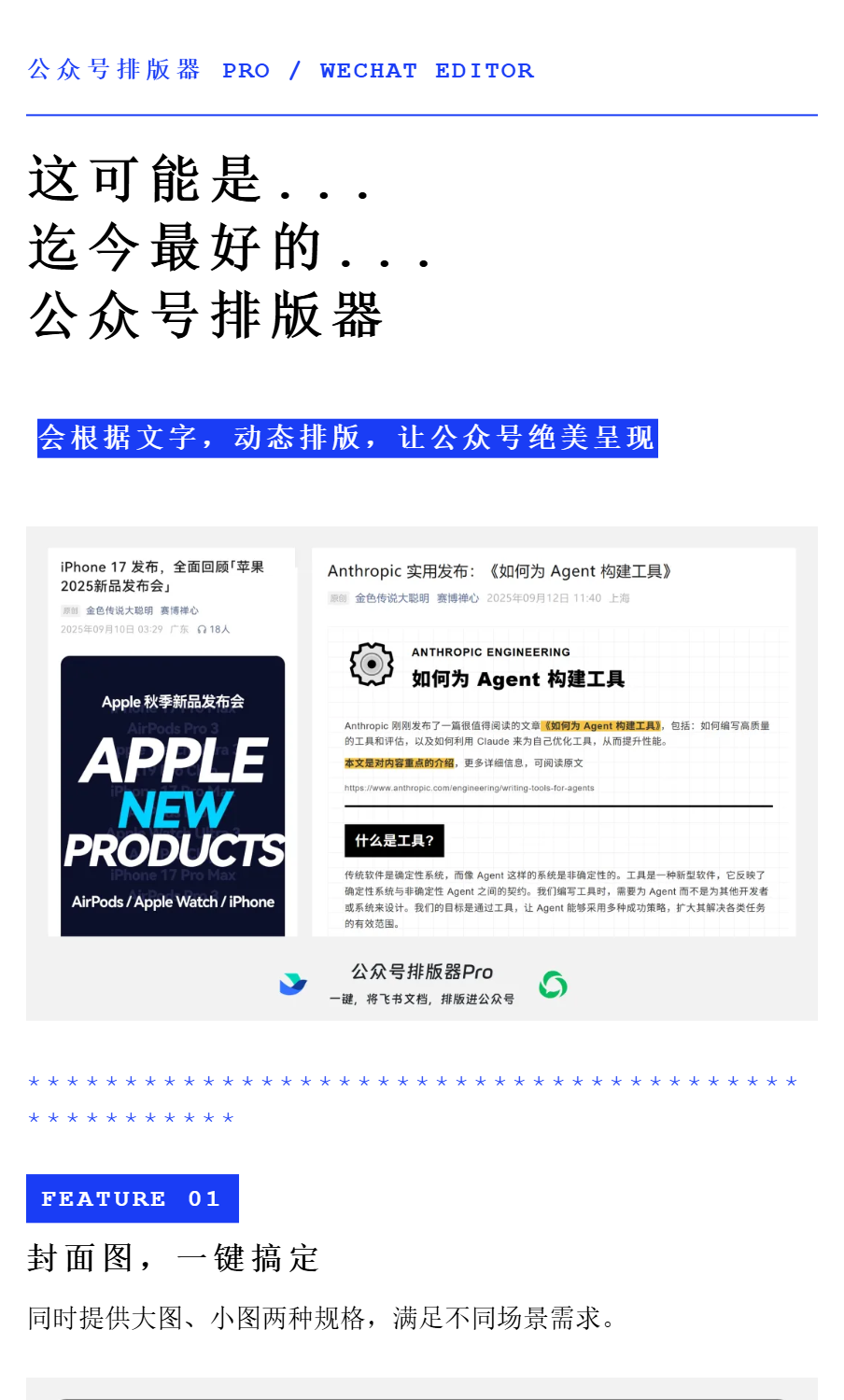
Cover studio
Generate covers that look intentional.
Build horizontal WeChat covers and square thumbnails from the article title, summary, or a custom prompt, then download the assets directly.


Real workflow
It starts inside Feishu, where the article already lives.
 01
01
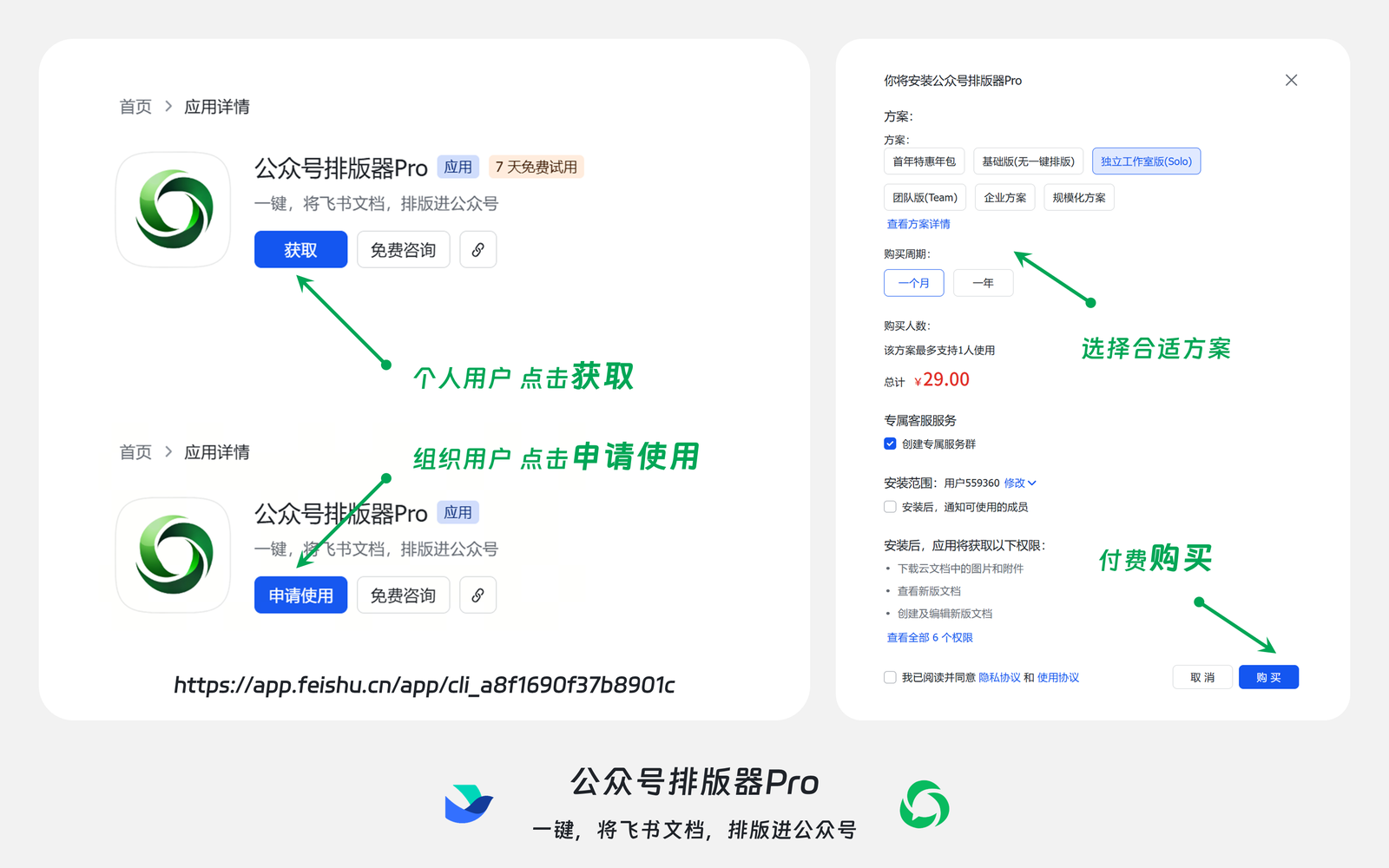
Install the app
Open the Feishu app page and add WeChat Typesetter Pro to your workspace.
 02
02
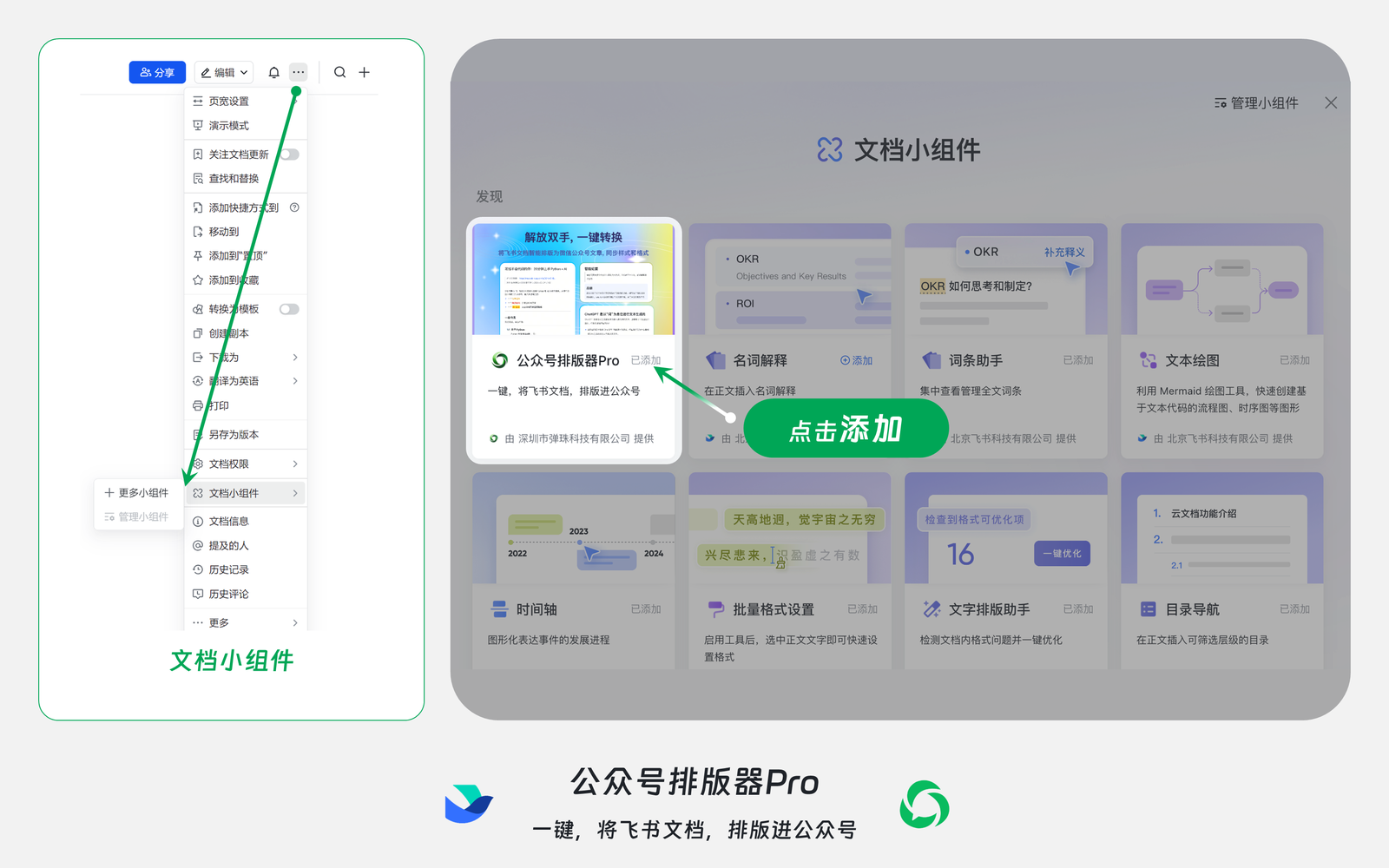
Add the document widget
Launch the Pro panel from the document toolbar without leaving the draft.
 03
03
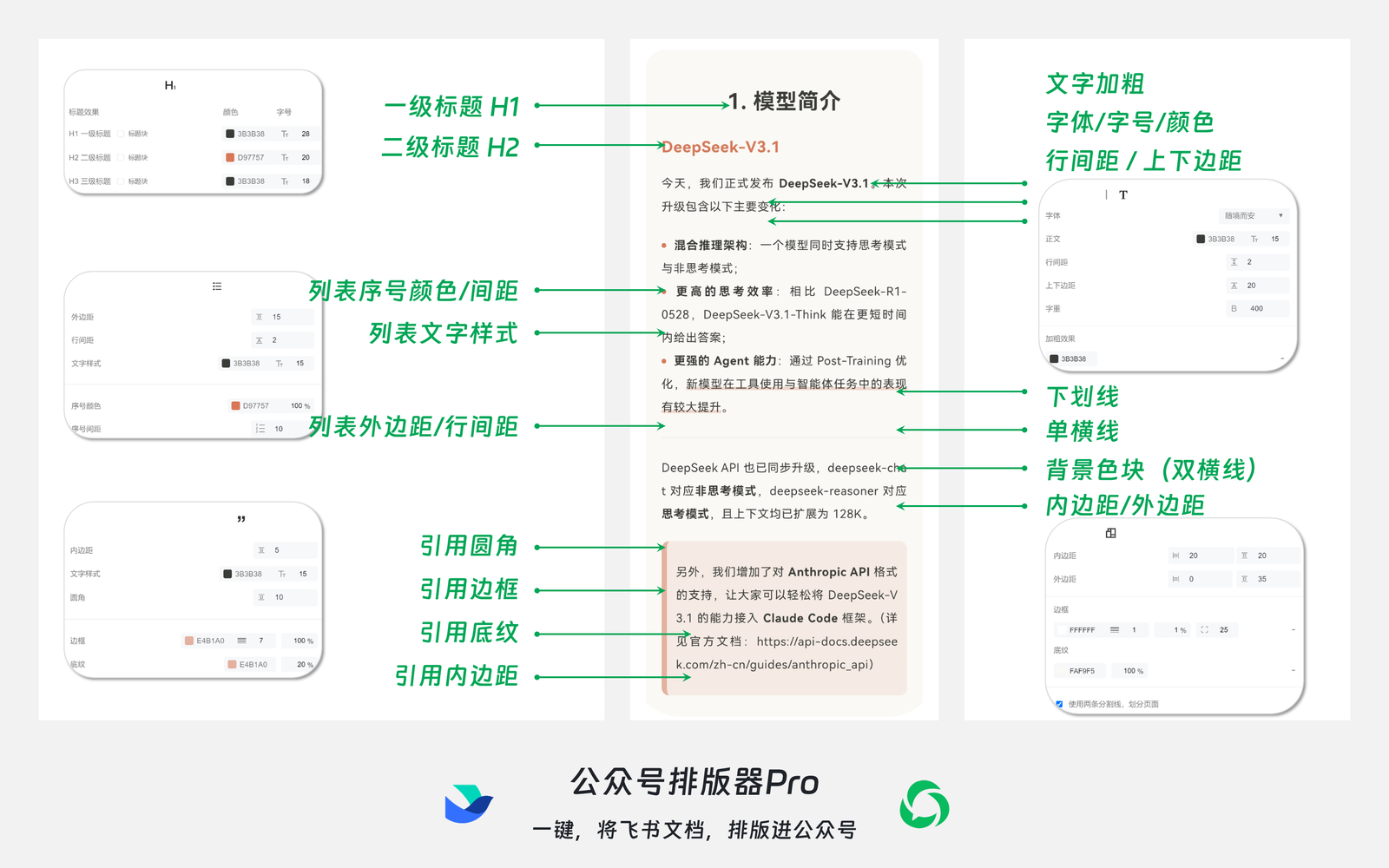
Tune the style
Adjust typography, headings, image behavior, highlights, quotes, and reusable presets.
 04
04
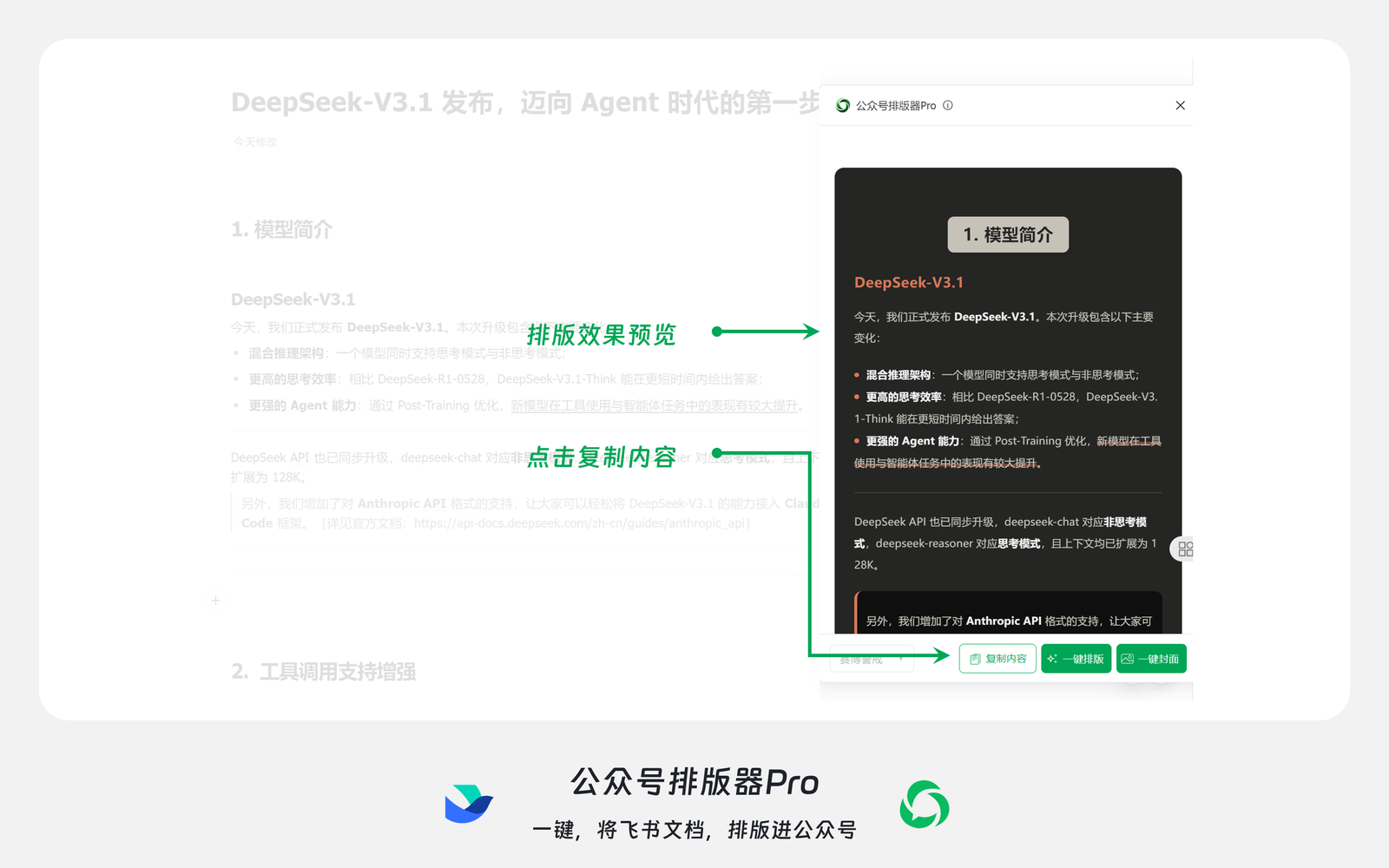
Copy to WeChat
Move the formatted article into the WeChat editor with the spacing and hierarchy intact.
Ready to publish
Turn your next Feishu draft into a polished WeChat post.
Open the Feishu app, select a document, choose a visual route, generate the cover, and copy the final article when it feels ready.